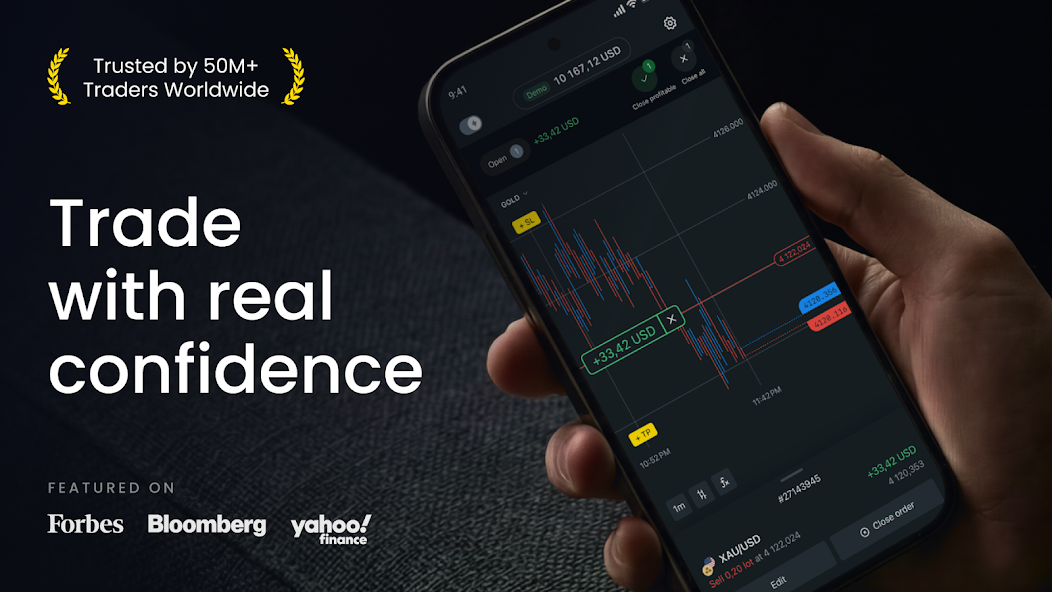
Exness Official Download Center
Get authentic software packages for Windows, macOS, iOS, and Android devices with streamlined installation guidance and uncompromising security.
System Preparation and Installation Steps
Verify system compatibility and follow standardized setup instructions to configure your trading terminal safely.
Check Requirements
Ensure your device meets the minimum OS version and memory allocation standards for optimal terminal responsiveness.
Download Package
Initiate Exness Official Download from the secure repository to acquire the authentic executable setup file instantly.
Configure & Connect
Launch the installer, sign in with your secure account credentials, and connect to high-speed live servers.
Engineered for Precision Across Every Screen
Whether executing complex market analysis on desktop workstations or monitoring active positions on mobile devices, the official trading packages ensure flawless data synchronization and rapid order execution.